
Resources · Local SEO guide
What to include on service-area pages that actually win local jobs.
The ten sections every town page needs, the shortcuts that get pages ignored, and a step-by-step way to collect the local details that make each page worth reading.

The short answer
What should a contractor include on a service-area page?
A strong service-area page proves you really work in that town. Name the town and the services you offer there, add local details only someone working there would know, show real nearby jobs and reviews, list the areas you cover, answer local questions and make calling easy. Never just swap the town name.
Key takeaways
- One town, one real page. Each page should be useful to someone who lives there, not just a place name for search engines.
- Local proof wins: jobs, photos and reviews from that town or right next to it.
- Fewer, better pages beat dozens of copies with only the town name swapped.
- Be honest about coverage: real towns you serve, with no invented addresses or offices.
Page anatomy
The ten parts of a service-area page.
Use this as a checklist for every town page. Not every page needs every part at the same length, but each part should be there in some form.
| Section | What to include | Why it matters |
|---|---|---|
| 1. Clear headline | What to include: Your main service and the town, e.g. “House painting in Natick, MA” | Why it matters: Visitors know in a second they’re in the right place |
| 2. Short local intro | What to include: Two or three sentences on the work you do there and how long you’ve served the area | Why it matters: Answers “do you work here?” before anything else |
| 3. Services in this town | What to include: The services you actually offer there, linking to each full service page | Why it matters: Connects the town to what you do |
| 4. Local details | What to include: The homes, conditions, seasons or rules that shape your work in that town | Why it matters: Shows real knowledge, not a template |
| 5. Real local jobs | What to include: Photos and a short note about recent projects in or near the town, with permission | Why it matters: The strongest proof you really work there |
| 6. Local reviews | What to include: Reviews from customers in that town or nearby, with name and town | Why it matters: Trust from neighbors |
| 7. Coverage | What to include: Neighborhoods, villages and nearby towns you also serve from there | Why it matters: Helps people in smaller places find you |
| 8. Hours and response times | What to include: When you work, how fast you respond, and whether you handle emergencies | Why it matters: Sets expectations before the call |
| 9. Local FAQs | What to include: Questions people in that town ask, answered plainly | Why it matters: Matches how people search and speak |
| 10. A clear next step | What to include: A tappable phone number, a short form and a reason to act | Why it matters: Turns the visit into a call |
Illustrative outline
What one good town page looks like.
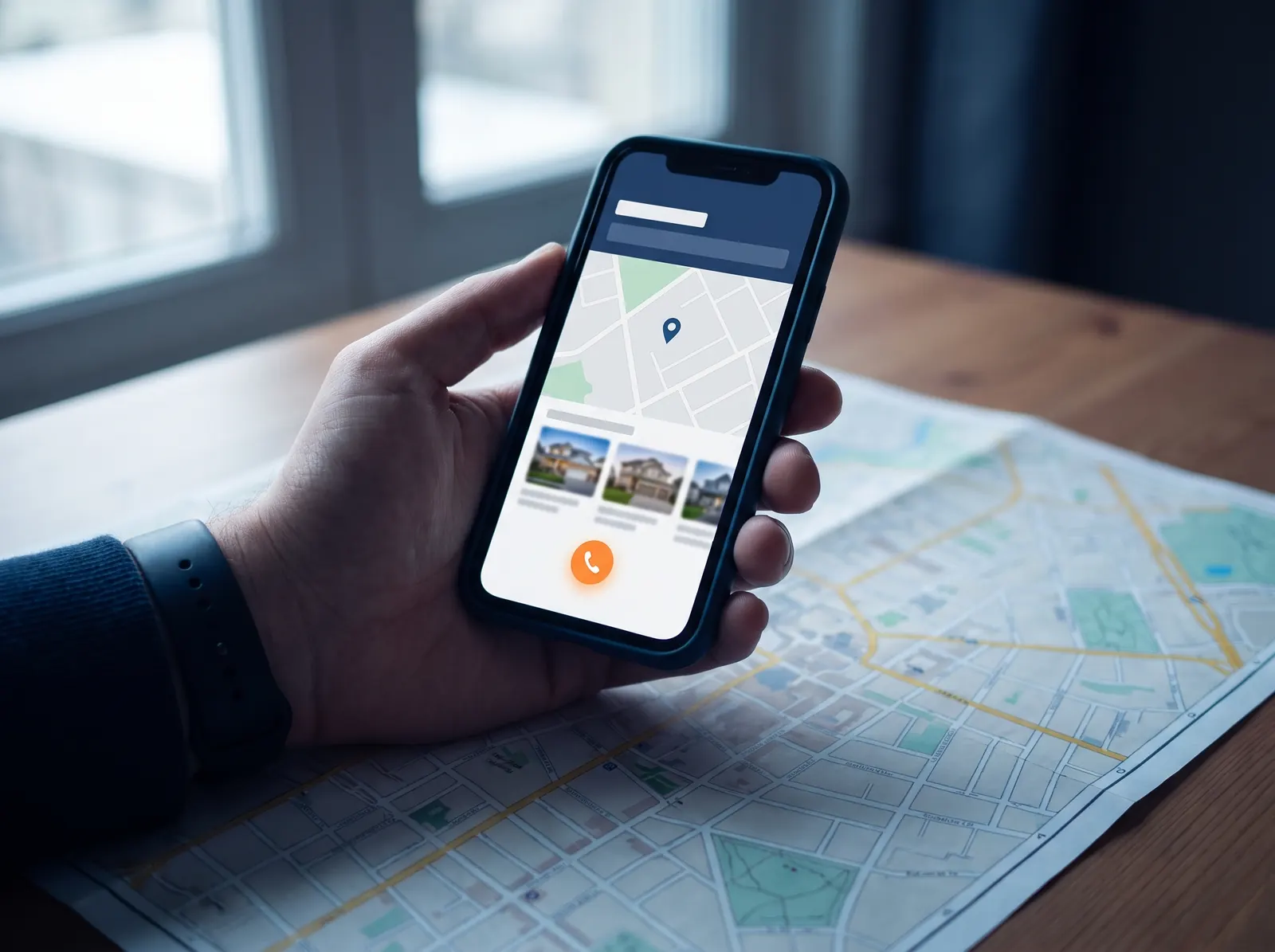
Here’s an outline for a made-up painting contractor’s page about one town. It shows the structure, not a real business or real results.
- Headline: House painting in Natick, MA
- Intro: the interior and exterior painting you do in Natick, and that you’re based a short drive away
- Services: exterior, interior and cabinet painting, each linking to its own page
- Local details: prep for older clapboard homes, the short exterior season, and scheduling around school vacations
- Recent work: two photos from local jobs with a line about each
- Reviews and coverage: a customer review from town, plus the nearby towns you also serve
- FAQs and next step: two or three local questions, then the phone number and a short form
What not to do
Shortcuts that get town pages ignored.
Google’s spam policies warn against doorway pages: many near-identical pages made only to rank for different places. Here’s how contractors usually fall into that trap, and what to do instead.
01
Copy and paste with the town swapped
Twenty pages with the same text and only the town name changed tell visitors and search engines nothing new.
Instead: Write each page from real local detail, jobs and reviews.
02
Pages for towns you don’t really serve
A page for every town in the county, including ones you’d never drive to, leads to calls you have to turn down.
Instead: Build pages only for towns you’d happily take a job in tomorrow.
03
A wall of town names
Long lists of towns in a footer or paragraph look like keyword stuffing and help no one.
Instead: List the main towns plainly, and link to the pages that really exist.
04
Invented addresses or offices
Fake local addresses or virtual offices to look local break the trust you’re trying to build.
Instead: Say where you’re based and how far you travel. That’s enough.
05
Stock photos of “local” work
A generic photo of a house that could be anywhere isn’t proof of anything.
Instead: Use your own job photos from that area, with the customer’s permission.
06
No way to act
A town page with no phone number or form makes visitors go hunting for the next step.
Instead: Put the same tappable number and short form on every town page.
Gathering local detail
How to collect what makes each page real.
You already have most of this; it’s just scattered across your phone, your invoices and your memory.
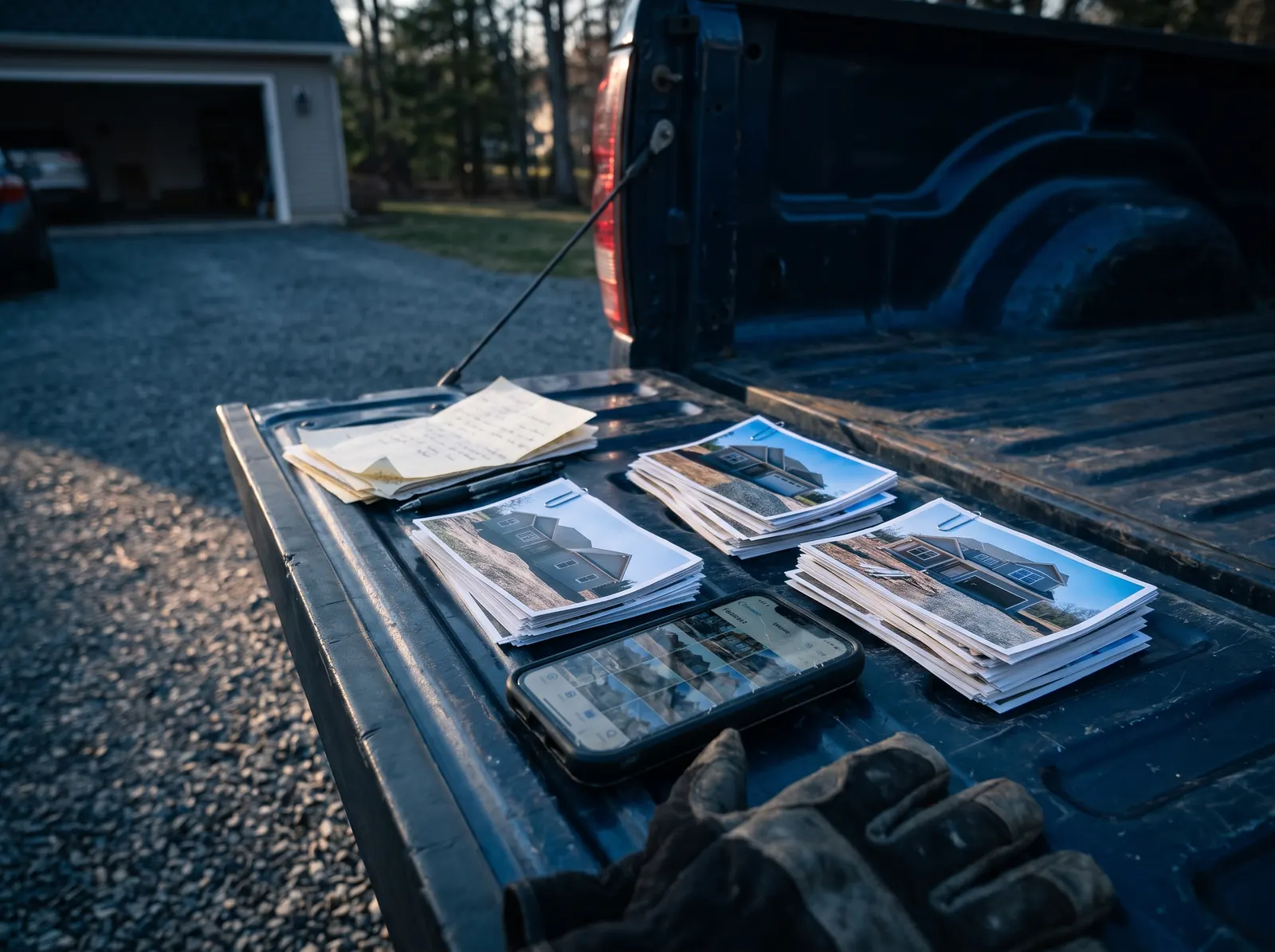
- Sort last year’s jobs by town to see where you really work most.
- Pull job photos by town from your phone, and ask customers before using them.
- Collect reviews that mention a town, or ask happy customers to say where they live.
- Write down what’s different there: older homes, well water, steep driveways, lake houses, busy streets.
- Note the questions customers from that town ask on the phone.
Massachusetts and Rhode Island
Local details worth knowing in New England.
Towns here are small, close together and often very different from one another. Details that can make a page genuinely useful:
- Town-by-town permits. Building and permit processes are handled by each town or city, so a note on how you handle permits there is useful.
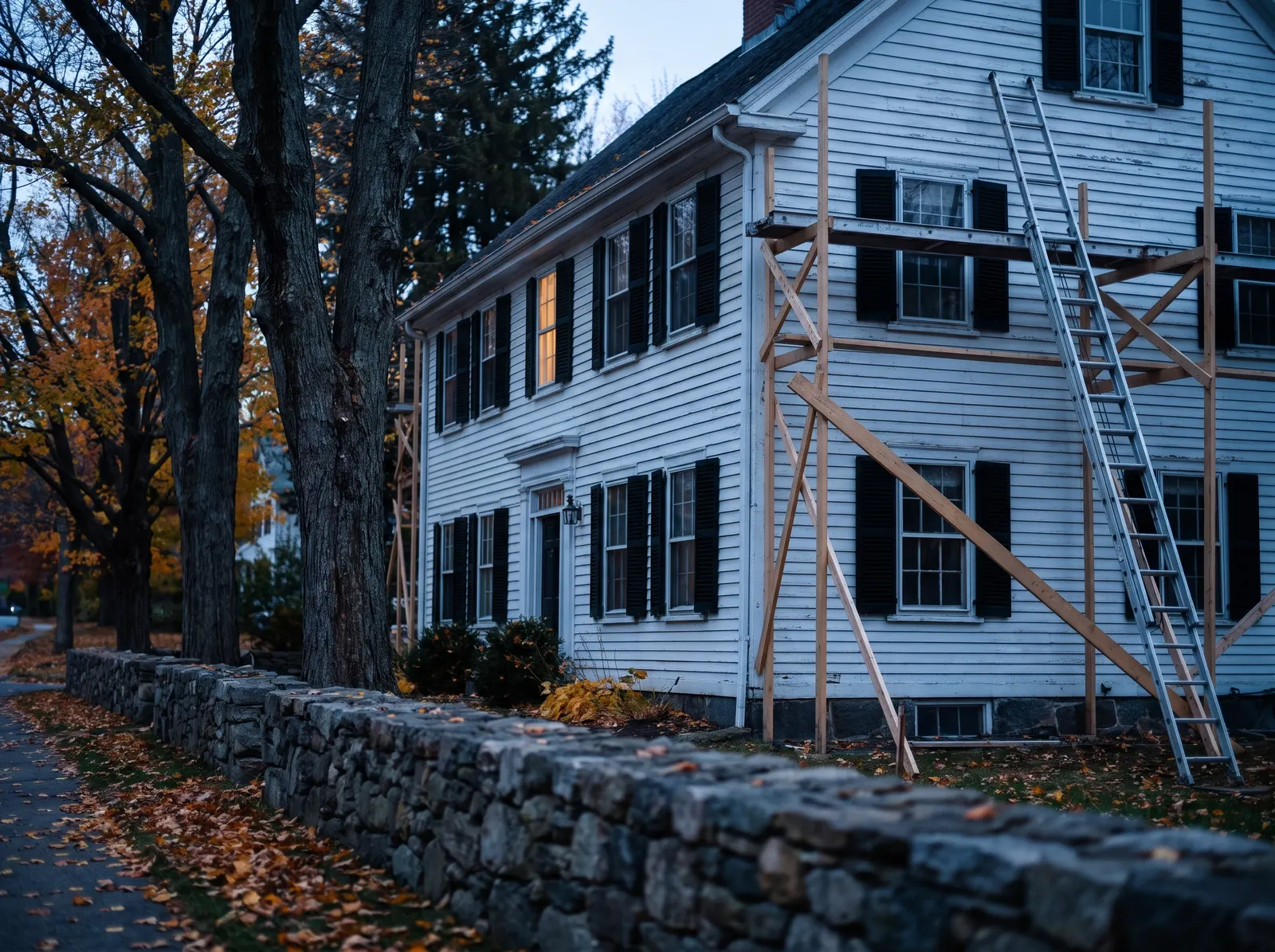
- Older housing. Many homes are decades or centuries old, which affects painting prep, plumbing, electrical and roofing work.
- Historic districts. Some towns have local historic district rules that affect exterior work.
- Septic rules. In Massachusetts, Title 5 requires a septic inspection before most home sales, which is useful context for septic companies.
- Seasons and coast. Short exterior seasons, winter emergencies and coastal weather all shape what customers need, and when.
Only include details that apply to your trade and that you can confirm.
Planning
How many town pages do you need?
Fewer than you think, at first. Start where you already have the work and the proof.

Start with your core towns
Pick the three to five towns where you do the most work, or most want to grow. You’ll have the photos, reviews and local knowledge to make those pages strong.

Add towns as you earn proof
When you’ve done a few jobs in a new town, you have something real to write about. That’s the time to add its page, not before.

Fit them into your page plan
Your plan’s page count sets how many fit at launch. On YouWebb plans, extra town pages are an add-on at $129 each, written from your real local details.
How YouWebb builds town pages
Real towns, real detail, one clear next step.
- We agree on your town list with you, based on where you really work
- Each page is written from your jobs, photos, reviews and local knowledge
- No copy-and-paste pages, invented addresses or towns you don’t serve
- Every page has a tappable phone number and a short quote form
- Town names stay consistent with your Google Business Profile service area
We never guarantee rankings for any town; we build pages that give local customers a real reason to call.

FAQ
Service-area page questions, answered.
What should a service-area page include?
The town name and the services you offer there, local details that show you really work in the area, photos and reviews from nearby jobs, the neighborhoods or nearby towns you cover, your hours and response times, answers to local questions, and a clear way to call or request a quote.
What is a service-area page?
A service-area page is a page on your website about the work you do in one specific town or area. It helps homeowners there confirm you serve them, and helps search engines understand where your business works.
How many service-area pages should a contractor have?
Start with the towns where you do the most work or most want to grow, and write a genuinely useful page for each. A few strong pages beat dozens of thin ones. Add more as you collect real jobs, photos and reviews from each town.
Are service-area pages bad for SEO?
Not when each one is genuinely useful. Google’s spam policies warn against doorway pages: near-identical pages made only to rank for different place names. Pages with real local detail, real work and a clear purpose for visitors are a different thing.
Can I make a page for a town I don’t have an office in?
Yes, if you really serve that town. Most contractors work from one base and travel to customers. Describe your coverage honestly, and never invent an address or imply an office you don’t have.
How long should a service-area page be?
Long enough to be useful and no longer. A few hundred words of specific, local information usually beats a long page of generic text. Focus on what someone in that town needs to know before calling.
Should every town page be different?
Yes. Your services may be the same, but the details shouldn’t be: the jobs you did there, the homes and issues common in that town, nearby areas, reviews from local customers and the questions people there ask.
What’s the difference between a service-area page and my Google Business Profile service area?
Your Google Business Profile service area tells Google where you travel. A service-area page on your website explains your work in that area in detail. They support each other, so keep the towns consistent in both.
See it before you commit
Let’s show you what your new website could look like.
Tell us about your shop and we’ll build a private homepage concept using your trade, your towns and your services. If you like it, pick a plan. If you don’t, you owe nothing.
The preview is a private concept on our staging server, not a live website. Plans start at $197/month with a 24-month term and $0 setup.